





Guide students safely through the digital jungle.
Turn chaos into calm and learning into a joyful adventure.
Safeguarding Students’ Mental, Emotional, and Digital Well-Being
Unchecked screen time is like trying to focus in a room full of voices – some familiar, some unknown, some helpful, some distracting, and even unsafe.
Together, we can restore students’ focus and well-being with three programs that guide them safely online.
Parents learn to spot online risks and protect heir kids in the digital jungle.
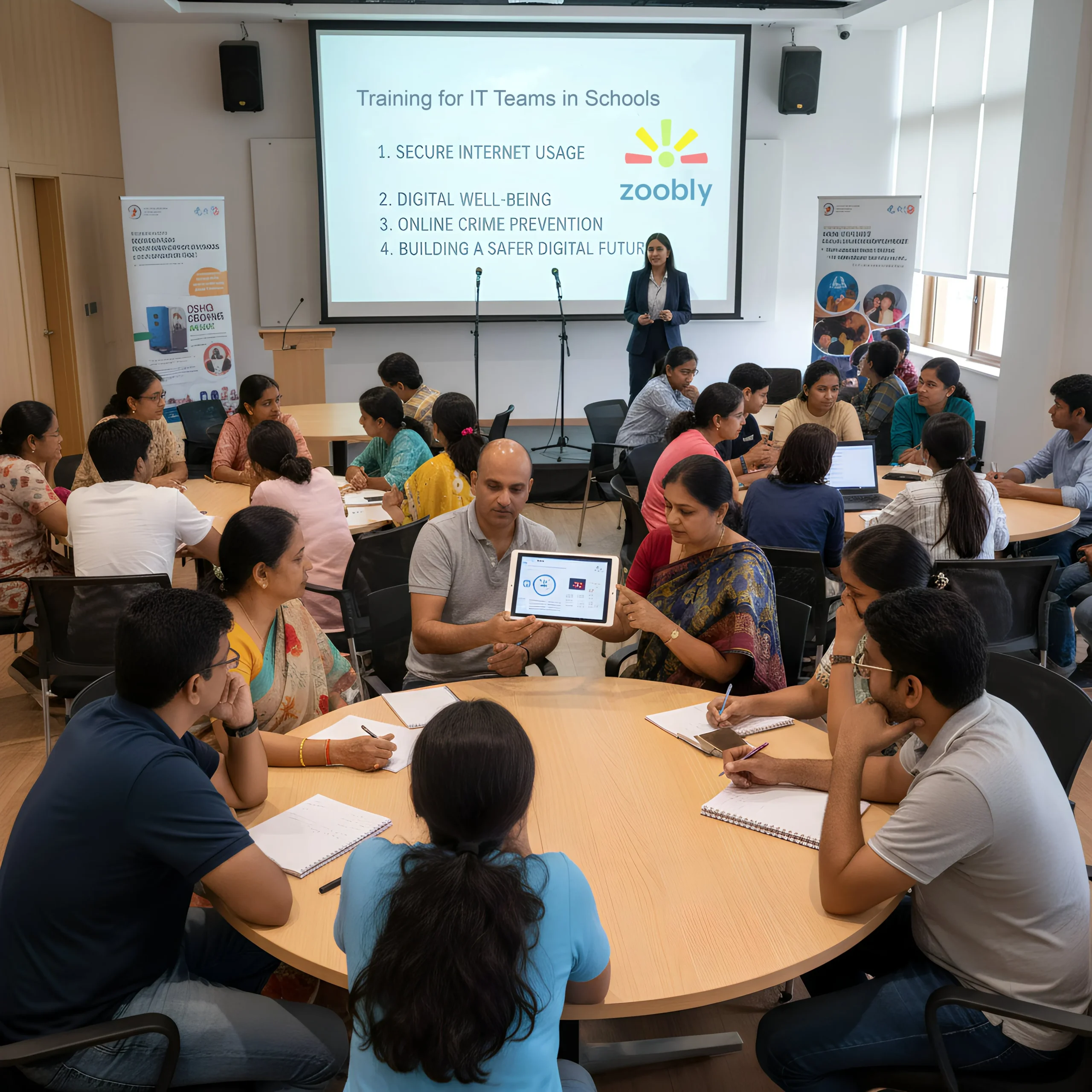
School IT staff get hands-on guidance to set up zoobly and keep the digital jungle under control.
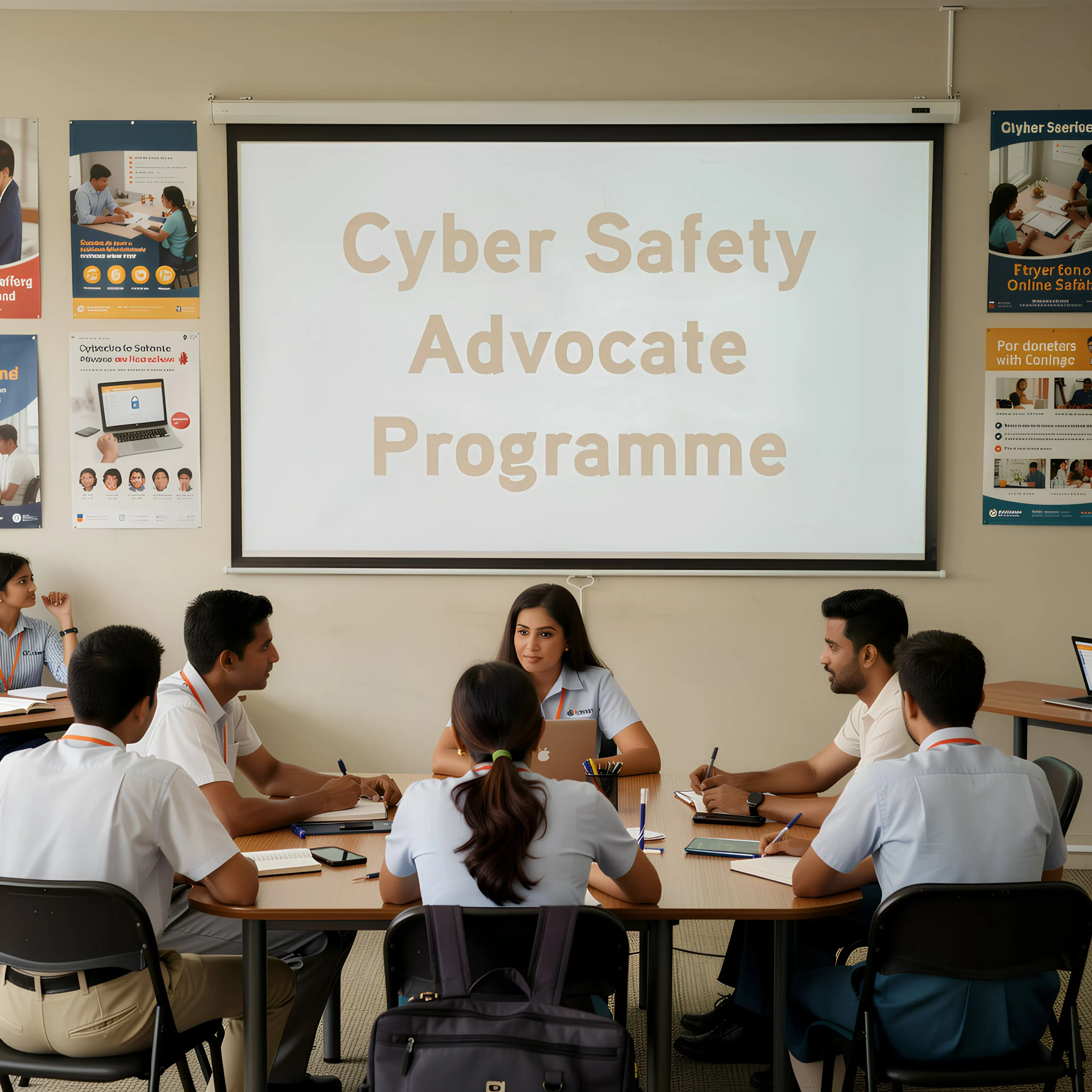
Train students on cyber safety to help peers and parents navigate the digital world safety.
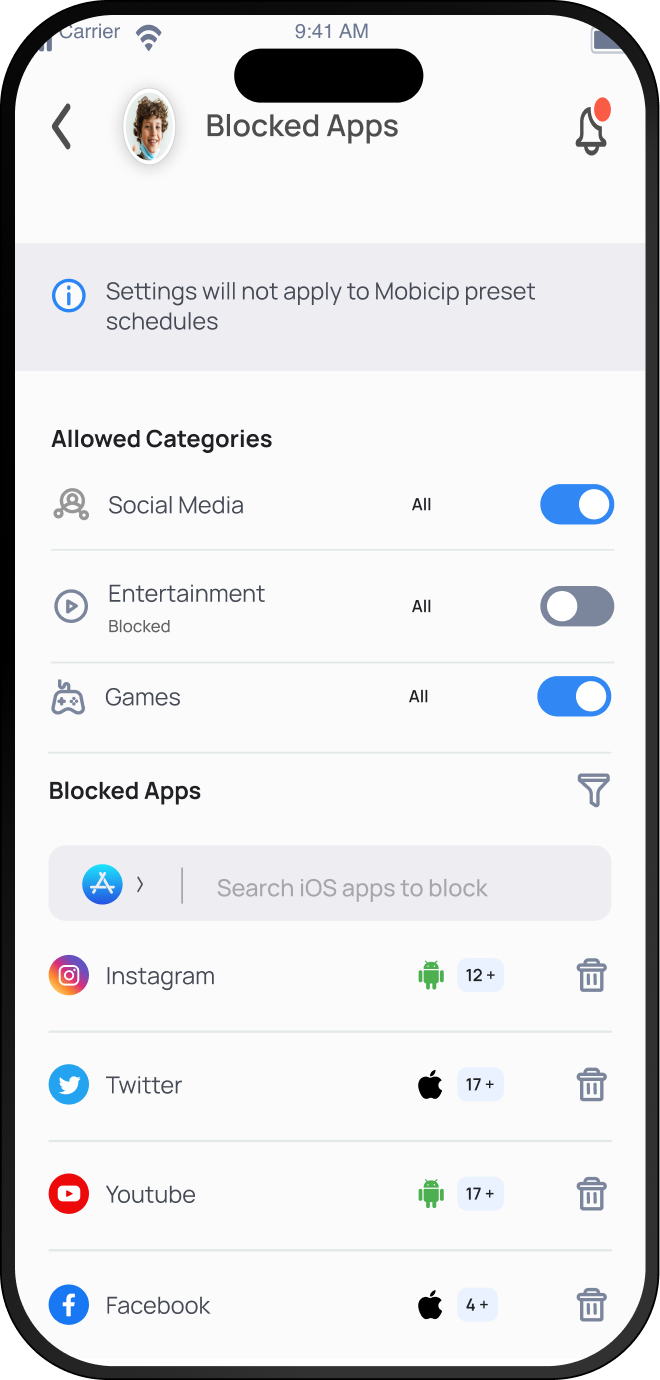
APP BLOCKER
Block distracting apps — keep students focused with no detours.
WEBSITE BLOCKER
Guard the gates — filter unsafe websites and content, including YouTube videos, with AI-powered tools.
CONTENT BLOCKER
Block harmful content — stop inappropriate material and keep predators out of students’ online world.
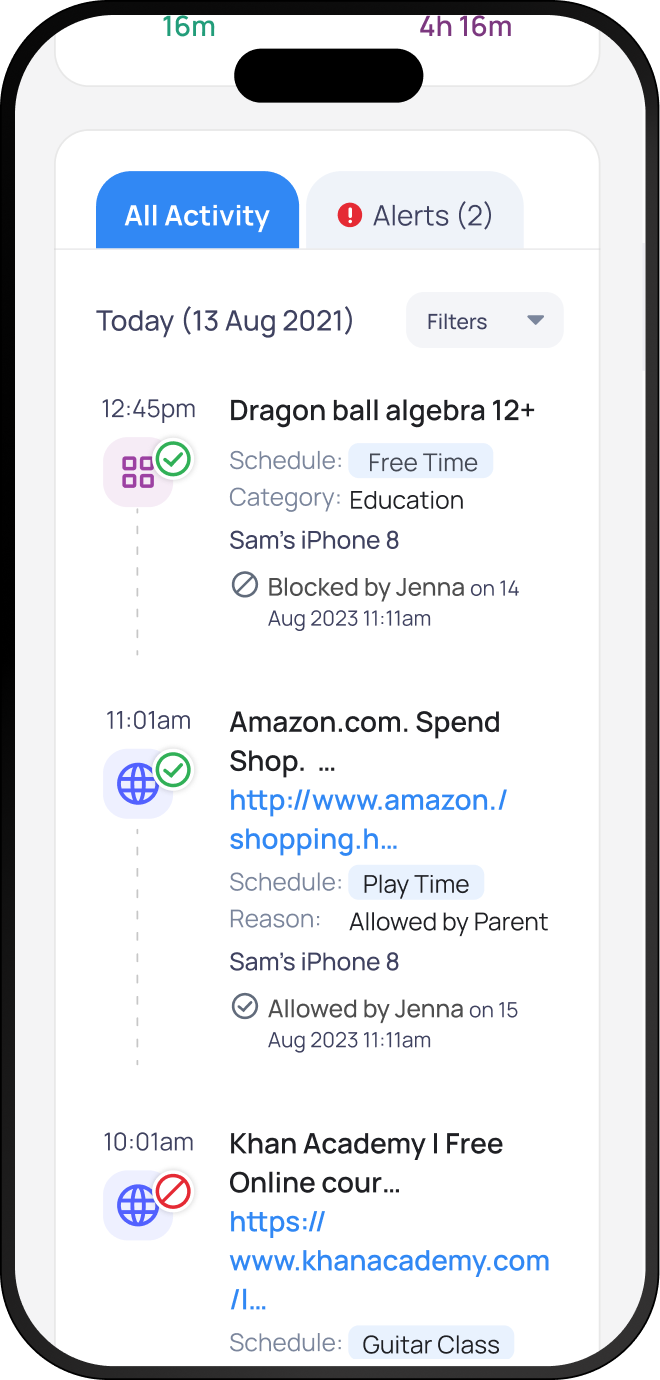
Every explorer leaves footprints behind. Track students’ online activity – screen time, apps, and browsing – to understand their habits better and guide them like a compass.
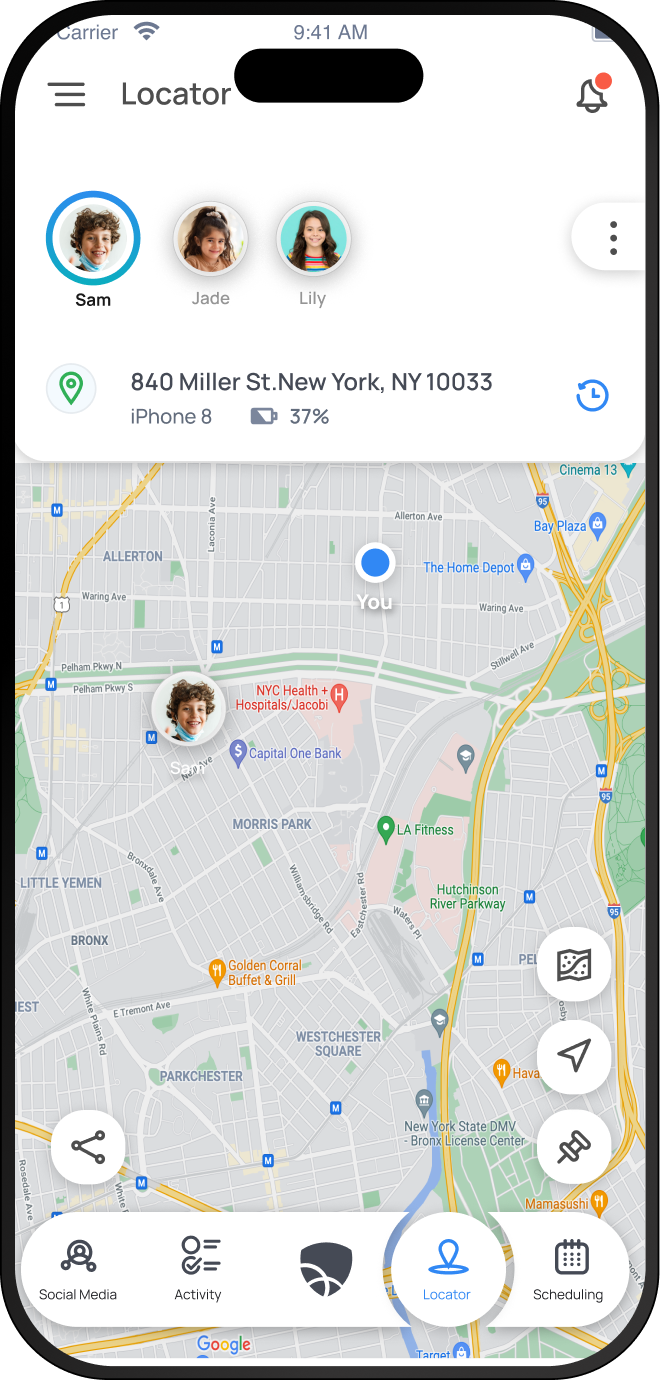
Jungles are easy to get lost in. Track students in real time and get instant alerts when they enter or leave safe zones – like school or home – so you always know they’re safe.
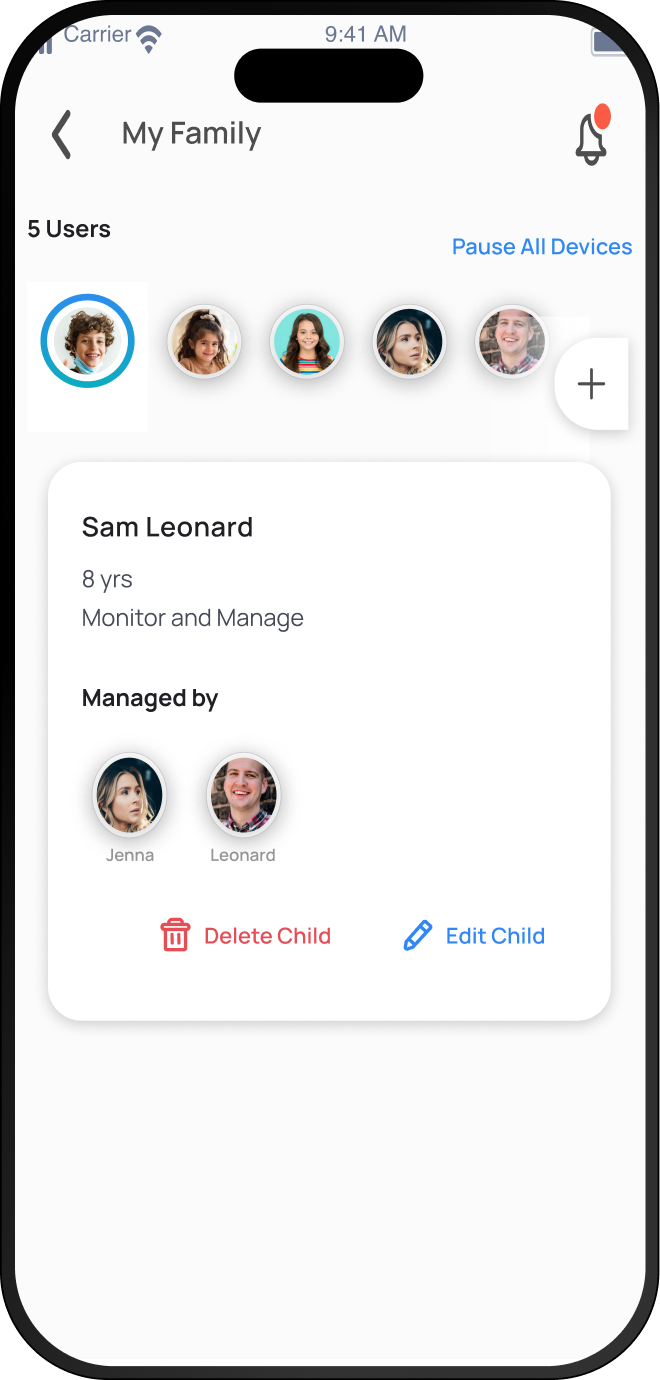
Co-patrol the digital jungle with a partner. Access the dashboard jointly, share responsibilities, and help students self-reflect, and build responsible digital habits.
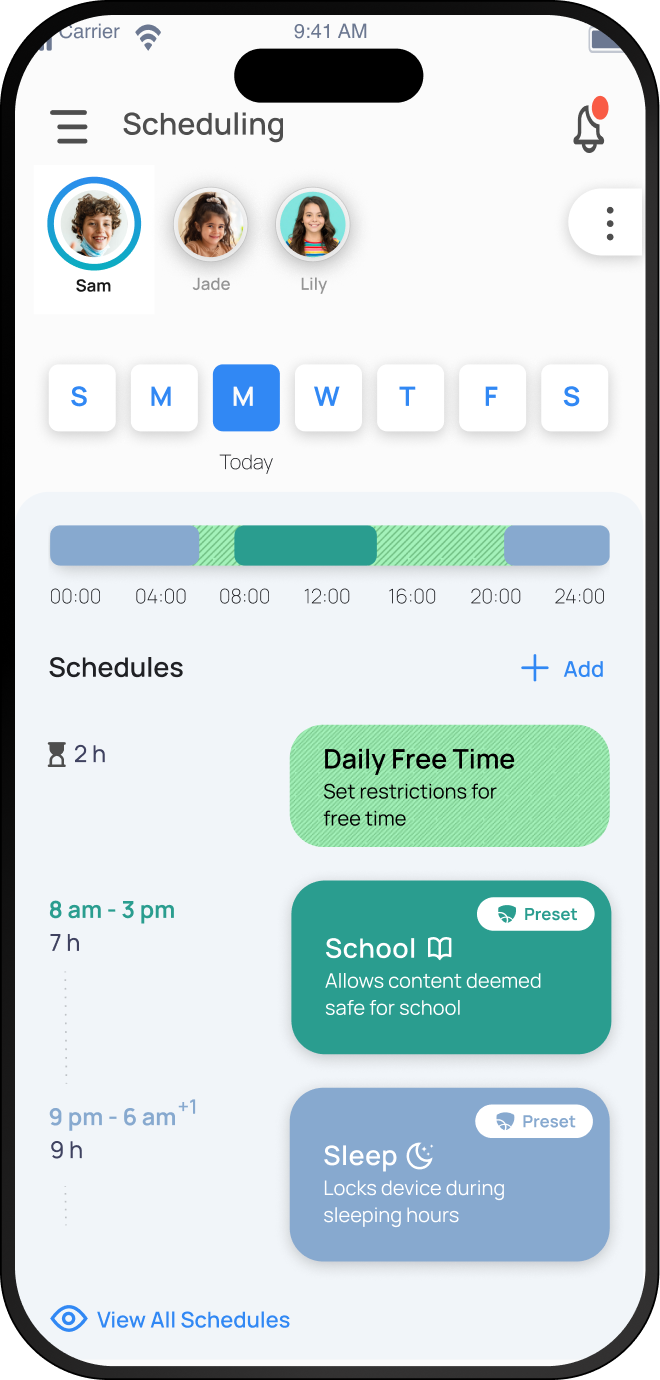
Set healthy screen limits and routines for your child. Balance learning and entertainment with flexible scheduling.
Automatically block harmful apps, websites, and content. Keep kids safe from digital risks before they happen.
Get clear insights into browsing, app usage, and behavior. Stay informed without invading privacy.
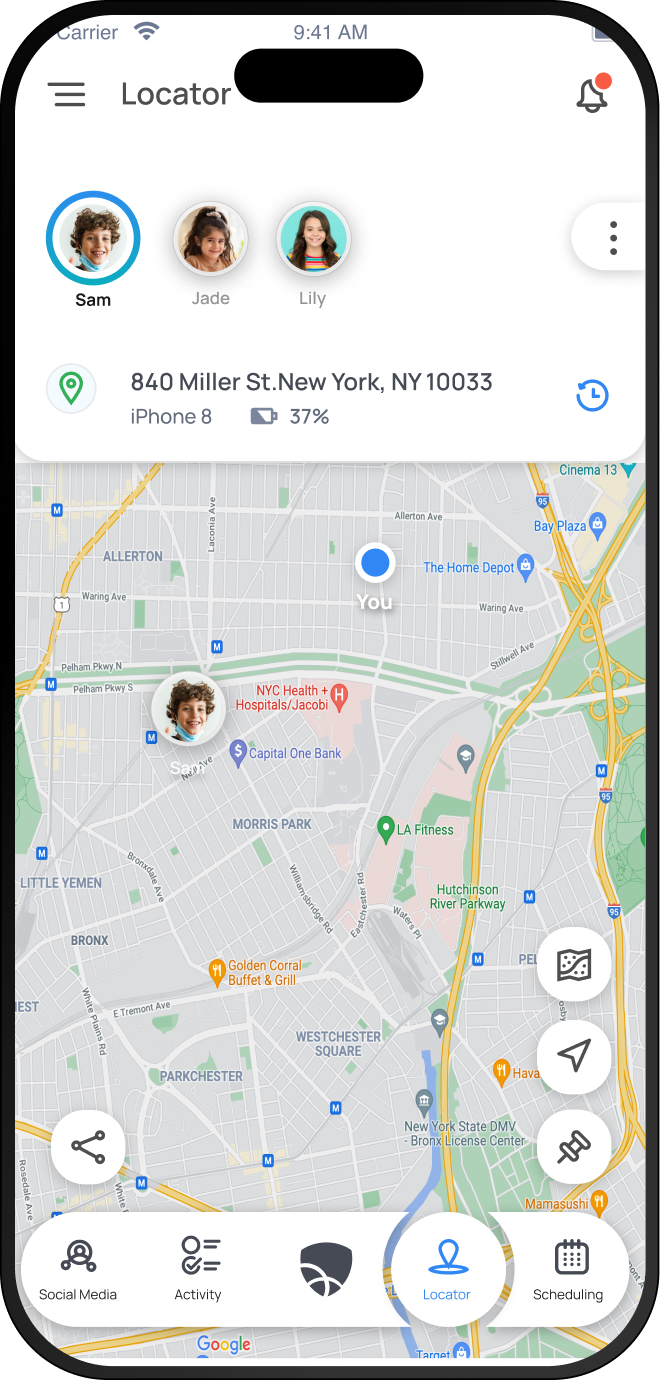
Track real-time location with accuracy and peace of mind. Know your family is safe wherever they go.
Share controls and visibility between parents seamlessly. Consistent rules, shared trust, better outcomes.
Where curiosity thrives and safety rules
Enter the Zoo
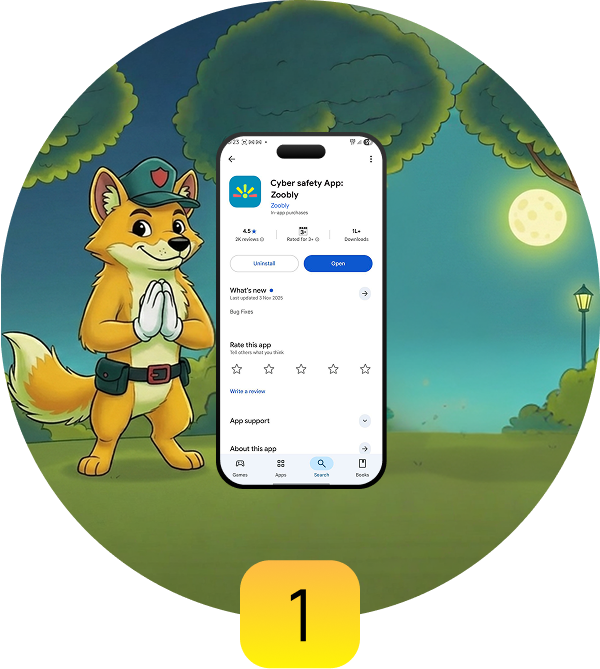
Download Zoobly from Google Play Store
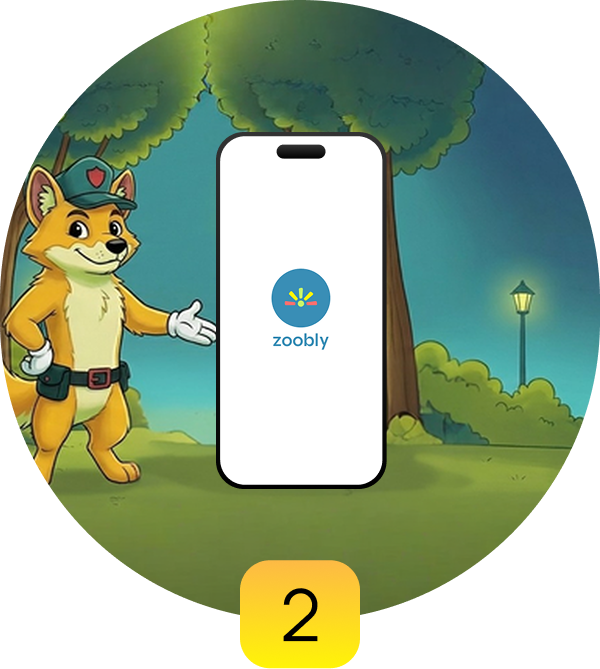
Explore the Zoo
Open the Zoobly app
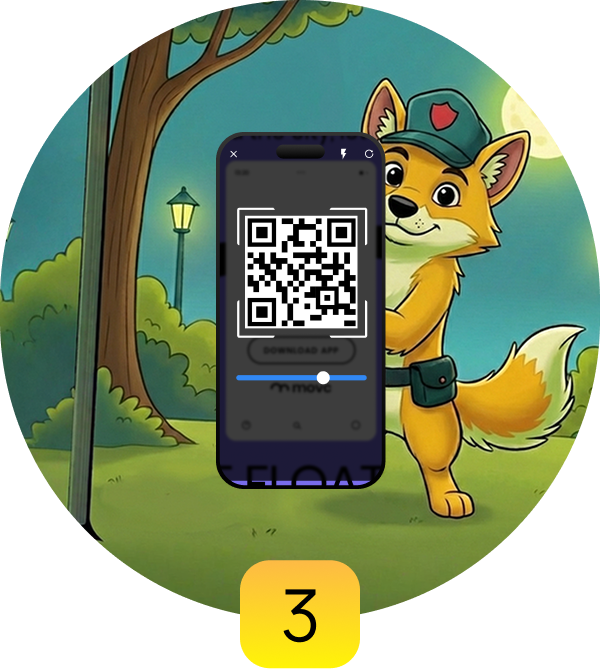
Peek Behind Bars
Scan the QR code
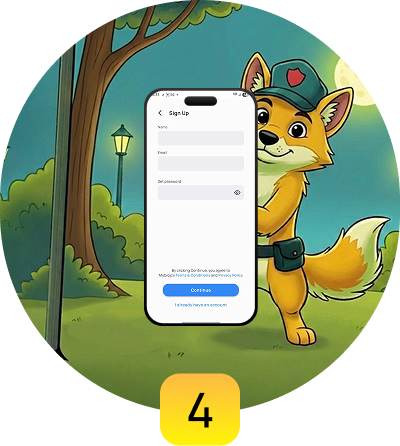
Follow the Zookeeper
Complete sign-up with the guide
App Store
★★★★★
Unlike many similar apps, this one genuinely works. Controls are applied accurately, support is dependable, and the product feels well thought out. Excited to see how the development team continues to improve it. Highly recommended.
Google Play Store
★★★★★
It’s a cross-platform parental control app that works across multiple operating systems and devices. I use it to set screen time on my kid’s Samsung phone and Apple tablet. It was easy to use and didn’t take much effort to set up. Highly recommended if your family uses a mix of iOS and Android devices.
Try Zoobly Free – 7 Days
Upgrade for Safer Screens
Start Safe Exploration
© 2025 Zoobly. All rights reserved.